Learn about Image Tracking in AR, how to design image targets and the importance of testing before deploying targets.
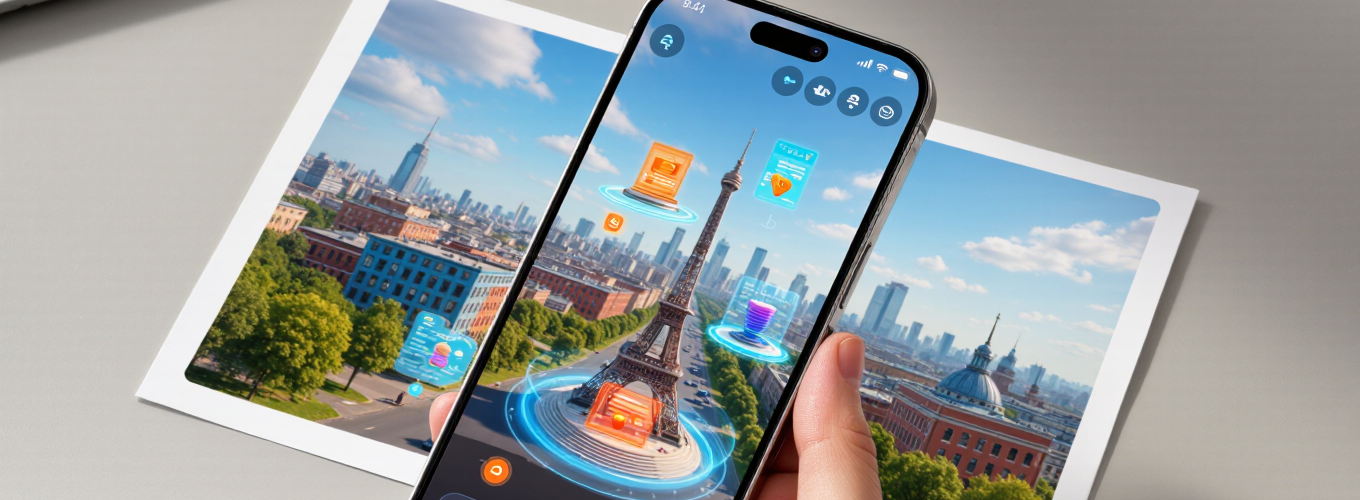
Image tracking is a technology that enables a camera on a mobile device to recognise an image and place digital content on it, regardless of the camera’s movements.
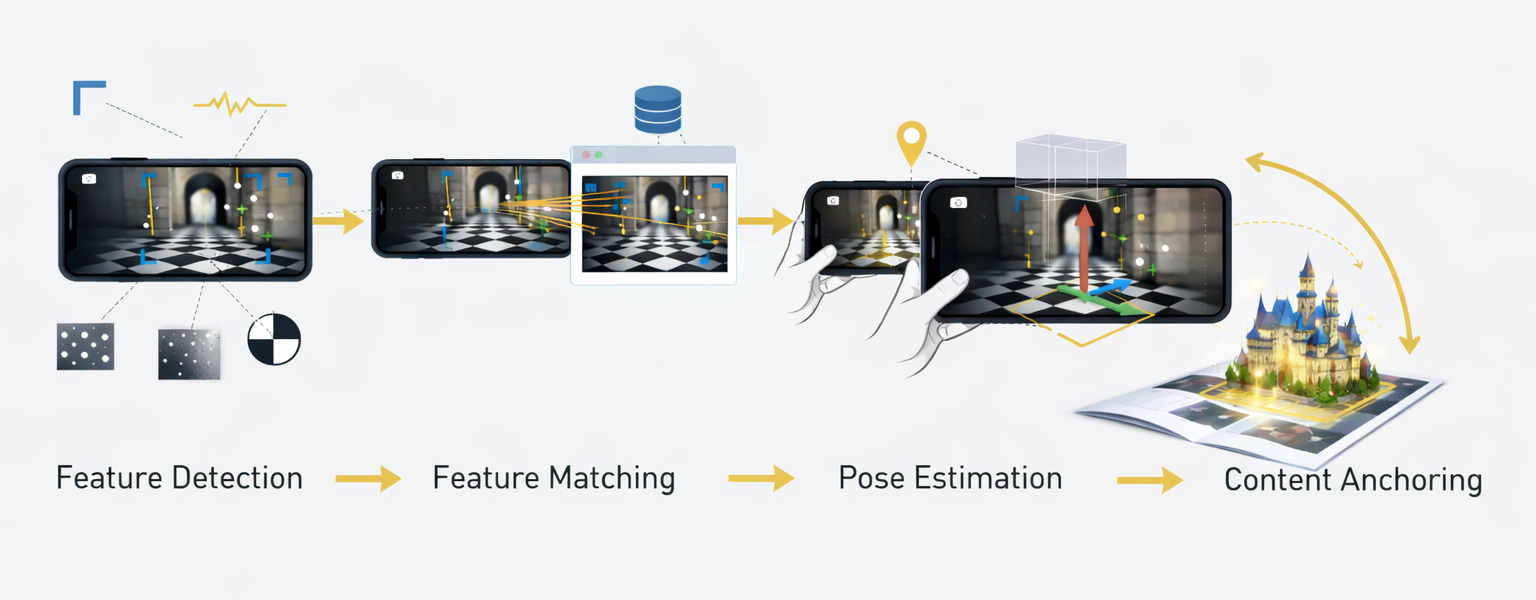
The important steps involved in tracking an image are:
Augmented reality (AR) allows digital content to be placed directly into the physical world through a smartphone camera or AR device. One of the most widely used methods for anchoring digital content is image tracking.
Image targets allow an AR system to recognize a specific image, such as a poster, product package, trading card, or exhibition graphic, and attach digital content directly to it. When a user points their phone camera at the image, the AR system detects it and overlays animations, 3D objects, videos, or interactive elements.
Because image targets can be scanned using a smartphone camera and often run through WebAR in a browser, they are one of the most accessible ways to deploy augmented reality experiences.
This guide explains:
Image targets in augmented reality are reference images that AR software can recognize and track using computer vision. When a camera detects the image, the AR system calculates the image’s position and orientation in space and overlays digital content aligned with the image.
Image targets are commonly used for:
Because they rely on existing visual media, image targets are one of the most practical ways to connect physical objects with digital storytelling.
Image tracking relies on computer vision algorithms that analyze visual features within an image.
When a user scans a target image, the AR engine performs several steps:
The system analyzes the camera feed and identifies distinctive visual features such as:
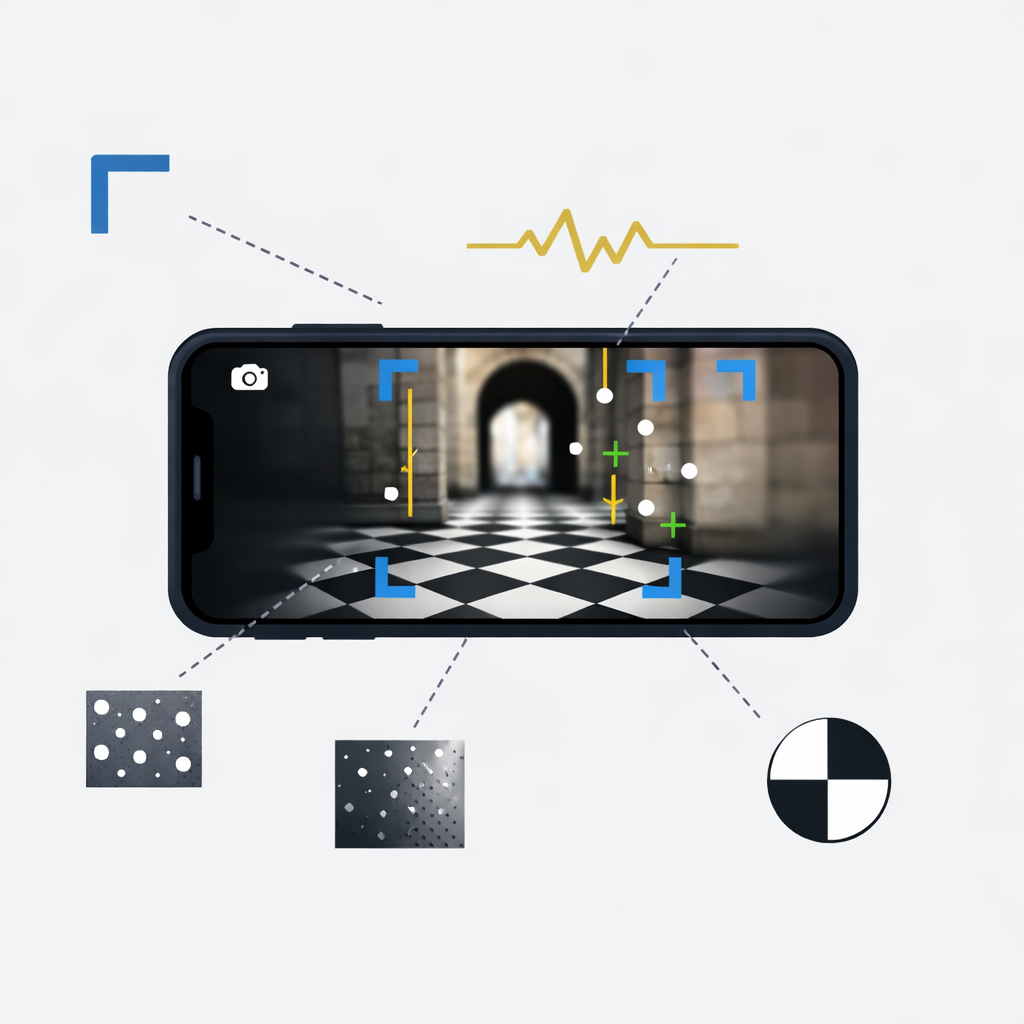
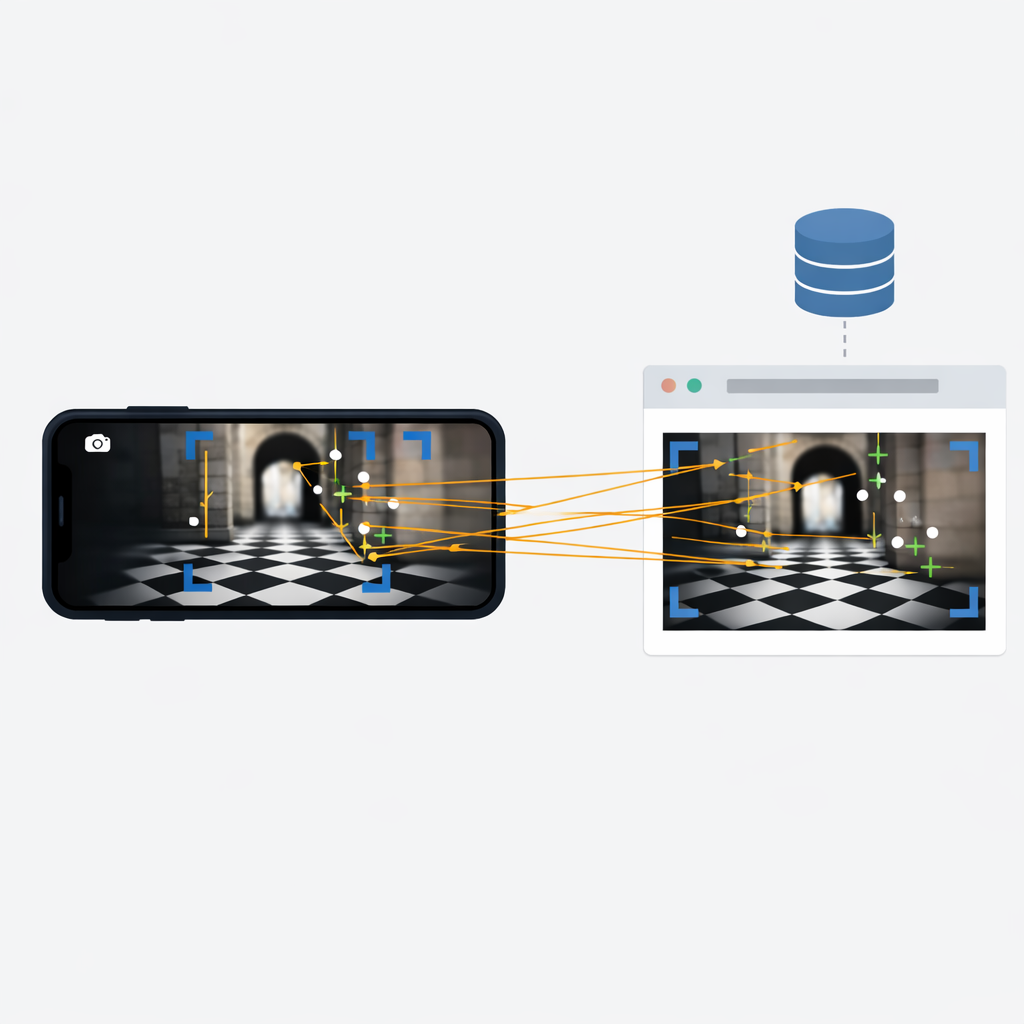
These detected features are compared with one or more stored reference images in the AR system’s database.
If enough features match, the system confirms that the target image has been detected.
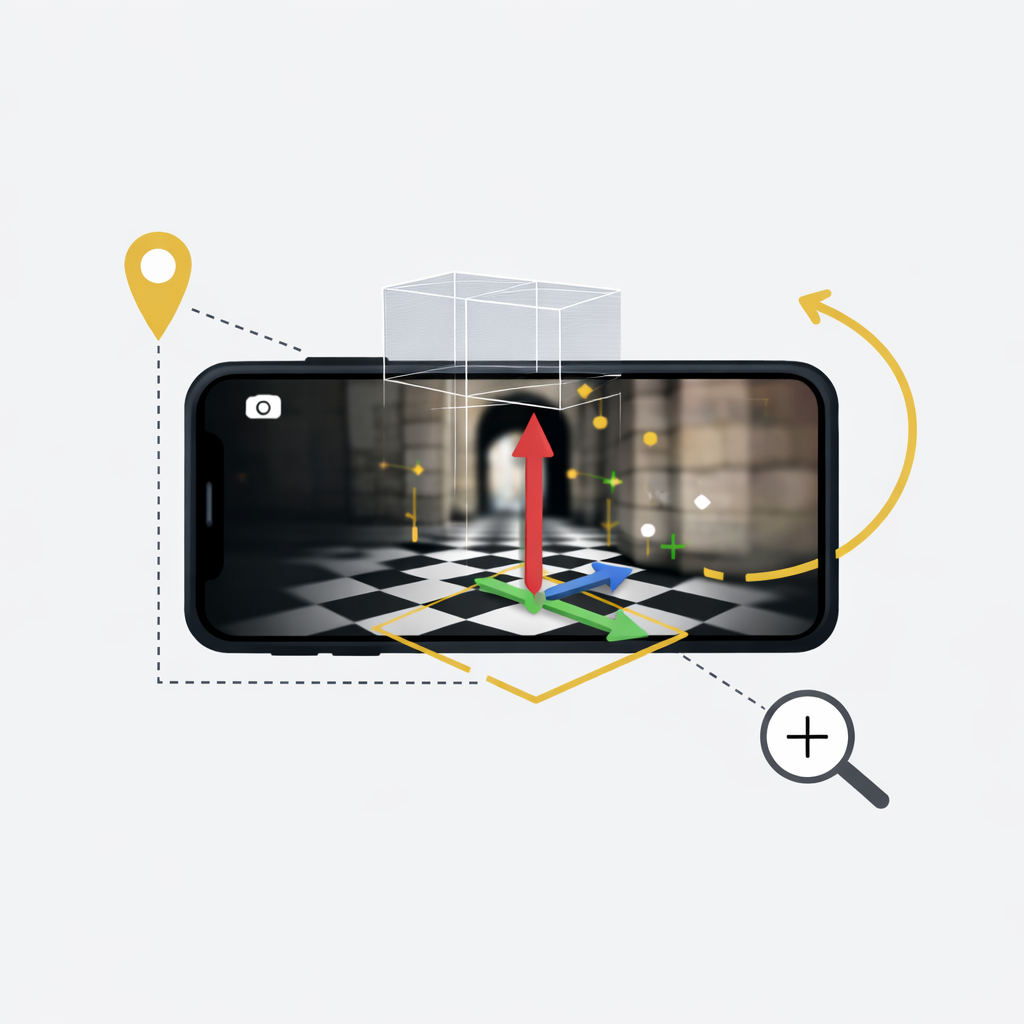
The AR system calculates the image’s:
This allows the system to understand exactly how the image is oriented in the real world.
Once the pose is known, digital content can be anchored to the image so that it remains aligned with the target as the user moves their phone.
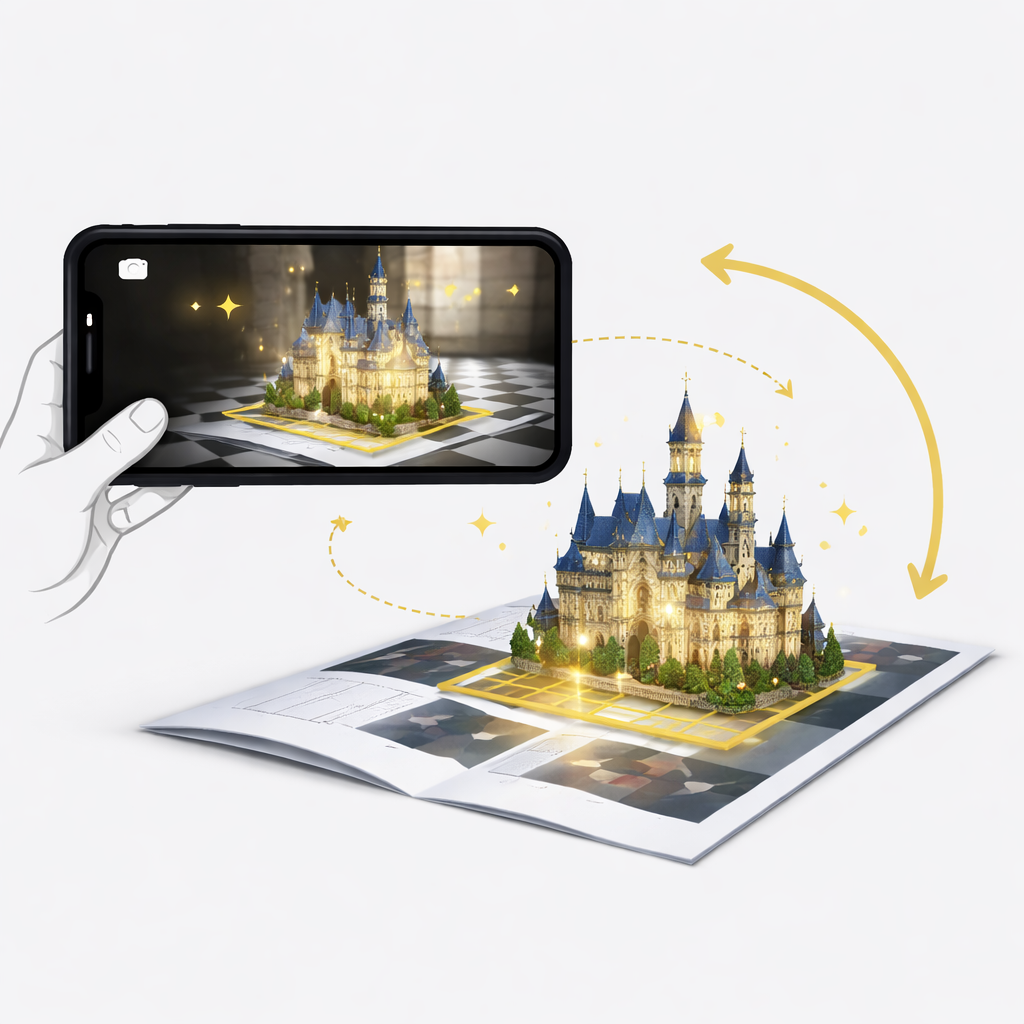
Not every image works well as an AR target. Good image targets contain many unique visual features that computer vision algorithms can detect. Bad image targets have no or few features, small repetitive patterns across the entire image or large blocks of text that cannot be recognised bythe image detection.


Images with many textures and edges generate more tracking points.
Good examples include:
Large empty areas contain very few detectable features. Flat backgrounds or simple logos can make tracking unstable.
High contrast helps the AR system detect edges and shapes. This improves recognition speed and tracking stability.
If you have an image target that is a shape with few features, adding a high contrast border to the shape will enhance detection and tracking.
Repeating patterns can confuse computer vision algorithms and reduce tracking accuracy. Distinct visual structures work better.
Tracking works best when recognizable features exist across the full image rather than being concentrated in one area.
Image tracking is particularly effective in situations where AR needs to be anchored to a specific visual object.
Common scenarios include:
Designing a good image target is only part of the process. Real-world conditions can significantly affect tracking performance.
Different smartphones vary in:
Testing on multiple devices ensures the experience works for a wide audience.
Printed materials may change:
Always test the printed version of an image target rather than relying only on the digital design.
If the image target is part of a physical installation, test the experience in an environment similar to the final location.

Important factors include:
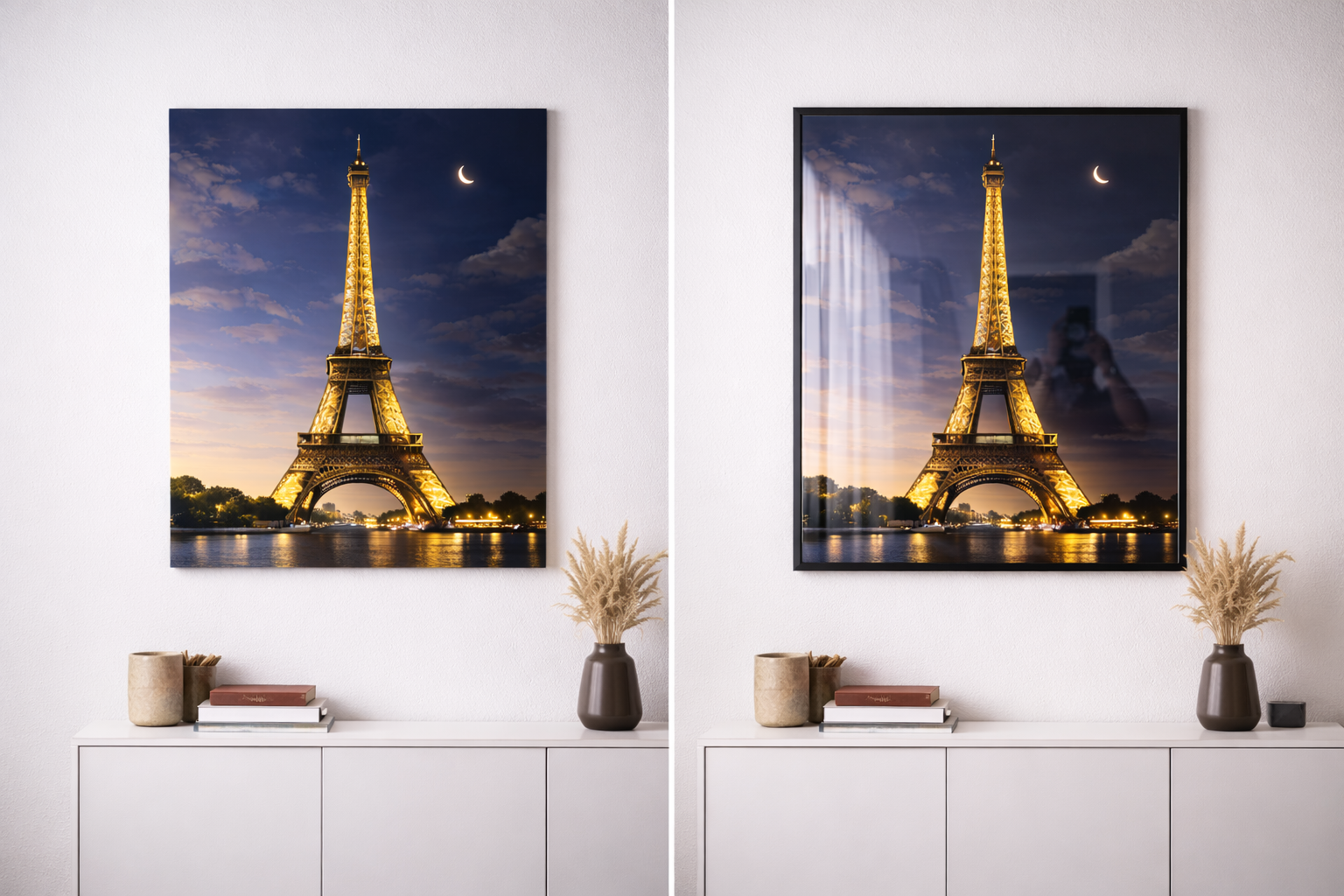
Early testing prevents expensive redesigns later.
Image tracking is a computer vision technique that allows an AR system to recognize a predefined image and overlay digital content aligned with that image in real time.
A good image target usually has:
Images with many distinctive features are easier for AR systems to detect and track.
Yes. WebAR platforms like Hololink support image tracking directly in a browser. This allows users to launch AR experiences by scanning an image without installing a mobile app.
Image target AR is used in many industries, including:
There is no fixed size requirement, but larger targets are generally easier to detect and track. As a rule of thumb, printed image targets should be large enough to scan comfortably from typical viewing distances and contain enough visual detail for reliable tracking. Testing at real-world distances is essential before launch.
Yes. Many AR platforms support multi-image tracking, allowing a single experience to recognize several image targets within one project.
This is commonly used for:
Image tracking can still work if part of the target is obscured, as long as enough distinctive visual features remain visible. However, heavy occlusion can reduce stability or prevent recognition entirely, so targets should be designed with features distributed across the image.
Yes. Lighting significantly affects tracking performance. Low light, glare, reflections, and strong shadows can reduce recognition accuracy. Real-world testing under expected lighting conditions is essential for reliable experiences.
Image tracking uses natural images such as posters or packaging as visual references, while marker-based AR often relies on specially designed fiducial markers (such as QR-style graphics). Image tracking generally provides more design flexibility and is more suitable for marketing and storytelling experiences.
Many modern AR experiences, like those built with Hololink, are run through WebAR, allowing users to launch experiences directly in their mobile browser without installing an app.
High-resolution PNG or JPG files typically work best. Avoid heavy compression or blur, as image clarity directly affects tracking reliability.
Timelines vary depending on complexity, but simple image tracking experiences can be built in minutes using no-code AR tools like Hololink.
Image targets remain one of the most effective ways to connect digital experiences with the physical world.
By combining printed media with interactive digital content, image tracking enables organizations to transform everyday visuals into immersive AR experiences.
When designed thoughtfully and tested in real-world conditions, image targets can create engaging experiences for marketing campaigns, museums, education, retail, and live events.
As WebAR technology continues to evolve, image tracking will remain a powerful bridge between physical environments and digital storytelling.